CX automation follows predefined rules to execute predictable tasks such as routing tickets or resetting passwords. CX autonomy uses AI agents to reason through complex, unstructured problems, trigger actions across integrated systems, and resolve issues end-to-end without a pre-written script.
If you’re a customer support leader feeling the pressure to get AI right, you’re not alone.
91% of customer service leaders are under pressure to implement AI in 2026, according to Gartner. But ‘implementing AI’ means very different things depending on who you ask.
For one company, it could mean calling a decision-tree chatbot ‘AI-powered customer support.’
To another, it could be deploying AI agents that handle customer issues end-to-end, without a human in the loop.
Both can claim they use AI, but they deliver very different experiences.
Chatbots can be inflexible and frustrating for customers with complex requests, while an Autonomous CX system can adapt to a customer’s concerns and even fully resolve their problems.
Here’s how simple chatbots differ from fully autonomous AI platforms and what each one can actually do for your business.
While both terms fall under the AI umbrella, automation and autonomy are very different.
Here’s why:
CX automation is the use of predefined rules and fixed logic to execute repeatable tasks, such as ticket routing, password resets, or order confirmations, without human intervention.
It works effectively as long as the customer stays on script. The moment they introduce a new issue or add more context, everything falls apart.
Examples of automation include:
Within these models, the logic is fixed. For example, if a customer asks about a delayed, damaged order, a traditional chatbot might route them to shipping and miss the complaint entirely.
It’s highly valuable for predictable, simple tasks. But essentially, it’s a flowchart with a friendly UI.
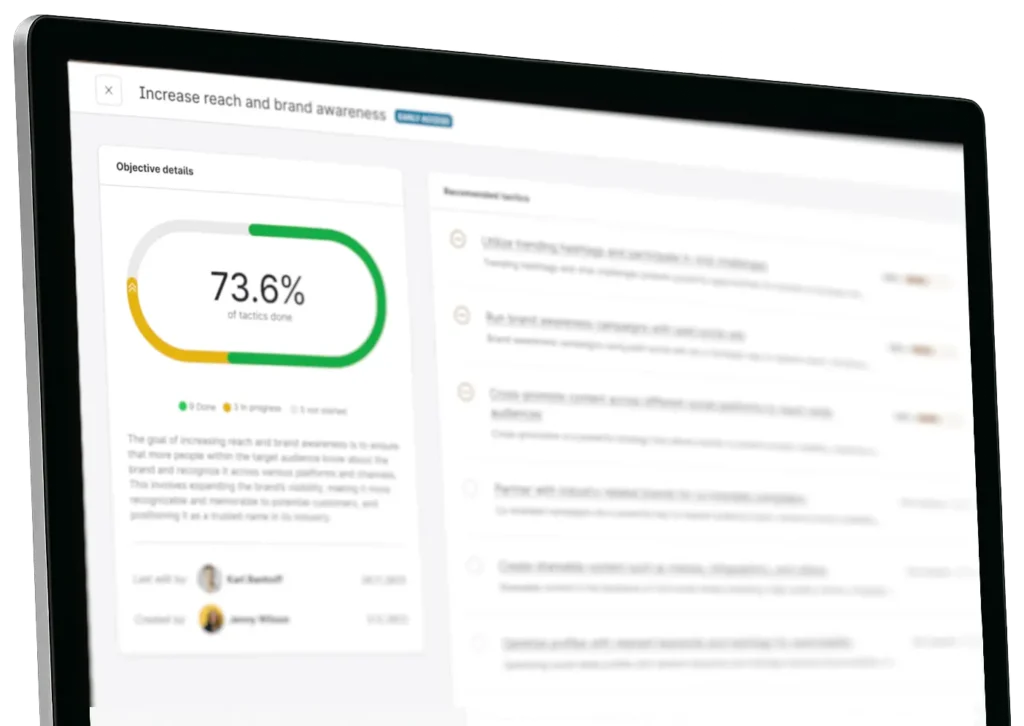
Watch our product tour to see how it could work for your business
Click the image above to watch a product tour of
On the other hand, an Autonomous CX Platform is a much more intelligent system.
It’s defined as the use of AI agents built on large language models to reason through unstructured problems, take action across integrated systems, and resolve customer issues end-to-end without prewritten scripts or human intervention.
Unlike straightforward automation, Autonomous AI doesn’t follow a script. It can engage in a dialogue with your customer, helping to understand their issue and find the quickest route to a solution.
For instance, an Autonomous AI Platform could process this complaint: “I was charged twice, my order arrived damaged, and I need a replacement by Sunday”, and formulate a plan.
They retrieve relevant data, trigger the appropriate APIs, and generate a personalized resolution without requiring a human to pre-write every possible response.
The results speak for themselves: 92% of decision-makers who use generative AI say it helps them deliver better customer service.
Here’s how the two compare:
Every organization is at a different point with AI. Some are just getting started, while 17% of organizations have already deployed AI agents (and more than 60% expect to do so within the next two years).Knowing where you currently sit tells you what your next move should be, as well as where the rest of the market is heading.
If you’re at Stage 1, your human agents likely handle everything.Ticketing software may exist, but it’s not used effectively. As a result, queues build, response times slip, and burnout is high because your agents are trying desperately to keep up with demand.The problem is, customers aren’t patient. According to Emplifi research, one-third of consumers expect a reply within one hour, and only 8% are willing to wait 48 hours.
You’ve deployed chatbots. Maybe some RPA for data entry or ticket routing.Deflection rates look promising in dashboards, but in practice, customers hit walls and route to human agents anyway, arriving frustrated.
AI works behind the scenes to support your agents. It auto-summarizes incoming tickets, suggests responses, surfaces knowledge base articles, and flags sentiment shifts. Agents can work faster because they’re better informed.
The speed advantage isn’t limited to individual customer queries either. When Crayola needed to manage surges of fan engagement across TikTok, Instagram, and Facebook in real time, Emplifi helped them detect and respond to emerging trends 90% faster and process viral content 80% more quickly, turning what used to take days into a same-day workflow.
AI handles customer conversations directly end-to-end across complex, multi-step issues.
It’s integrated with your CRM, order management system, and fulfilment platforms. It doesn’t pass users on to humans for a refund; it processes them itself.
Human agents shift from first-line responders to exception handlers and relationship managers.
Understanding your baseline is the first step to closing the gaps AI can fill.
Run through these questions honestly to determine the stage you’re currently at:
QuestionStage 1Stage 2Stage 3Stage 4When a customer goes off-script, what happens?Goes straight to a humanBot loops or fails to understandEscalates cleanly with contextAI adapts and resolves autonomouslyCan AI take action in downstream systems?No, humans handle everythingRetrieves information onlyLimited actions with approvalActs across systems autonomously
Mostly Stage 1 answers: You’re in manual operations. Your biggest lever is to identify your highest-volume, most repetitive queries and build your first automation layer around them.
Mostly Stage 2 answers: You have automation, but it’s brittle. Your bots deflect rather than resolve, and customers feel it. The next move is AI that works behind the scenes for your agents, not customer-facing AI.
Mostly Stage 3 answers: You’re making real progress. AI is making your team more effective, but every response still needs a human to press send. You’re ready to start exposing AI directly to customers, but only once your data and integrations are in order.
Mostly Stage 4 answers: Your AI resolves issues. Your people handle what genuinely needs them. The risk at this stage is complacency, as stale knowledge bases and ungoverned API scope creep erode Stage 4 performance over time.
Moving up a stage or to full customer care autonomy requires implementing a solid program that includes clean data, connected systems, and a team that understands where AI ends and human judgment begins.
Here are the four steps you need to take to get there:
Your CX AI platform will only ever be as useful as the information behind it. Before you deploy an agent that resolves issues end-to-end, you need documentation that is:
According to Emplifi research, 66% of consumers now expect an immediate reply from AI (twice as many as the previous year). To deliver responses at speed, and reach Stage 4 maturity, AI needs to access the systems where resolutions actually happen, such as:
Practically, this means exposing APIs and defining which actions an AI agent is authorized to take autonomously and which require human sign-off.
Start small to test the system. For example, refunds under £50 are processed automatically. Then slowly widen the scope as your confidence in the system grows.
Learn more and see more stats in our latest report
Your human agents likely know your systems inside out, so it doesn’t make sense to replace them completely with automation.
In fact, according to Gartner, just 20% of organizations have reported reduced agent headcount due to AI, and nearly 80% are planning to transition agents into new roles rather than replace them.
Instead, redefine your human agents’ roles before the AI starts taking on volume, not after. This could look like a promotion for your best agents. For example, those who were handling 80 routine queries per day can now become specialists handling complex escalations and high-value customers.
At every stage, your success metrics will likely change as automation becomes more embedded in your team.
For instance, as you aim to move through the levels, you could be measuring:
As you move through the stages, you should re-evaluate the KPIs you’re focusing on to see whether you’re actually making progress.
Landing at Stage 4 of AI CX maturity isn’t as simple as plugging in an AI platform and watching it go.
The foundations have to be solid first, including cleaning your data, connecting your systems, and making sure your team understands their role in the new setup. Get those right, and the technology will follow.
But the brands delaying that work are already falling behind. Customer expectations across social and digital channels continue rising, while support teams face growing pressure to scale efficiently.
The organizations moving fastest are building toward AI maturity now — using autonomous systems to reduce repetitive work, improve response times, and free human agents to focus on higher-value customer interactions.
Ready to find out exactly where your CX operation sits on the maturity curve? Book a demo with the Emplifi team to see how our CX AI platform can enhance your customer care program.
A traditional chatbot follows a fixed script and responds to pre-defined inputs, escalating anything unexpected to a human agent. Autonomous AI agents work much more dynamically, using AI reasoning to understand intent, retrieve information from connected systems, and resolve customer issues end-to-end without requiring every scenario to be manually scripted in advance.
It depends on the maturity of your data, integrations, and operational workflows. Most organizations discover that preparing structured knowledge, connecting systems, and defining governance frameworks takes longer than the AI deployment itself, making Stage 4 a gradual transformation rather than a single rollout.
No, but it will change how support teams operate. Autonomous CX handles repetitive, high-volume requests so human agents can focus on complex escalations, relationship management, and higher-value customer interactions where empathy and judgment matter most.
Discover what Emplifi can do for you. We turn small teams into large ones, and large teams into well oiled machines, but either way, we offer the rocket ship, you just need to jump on.
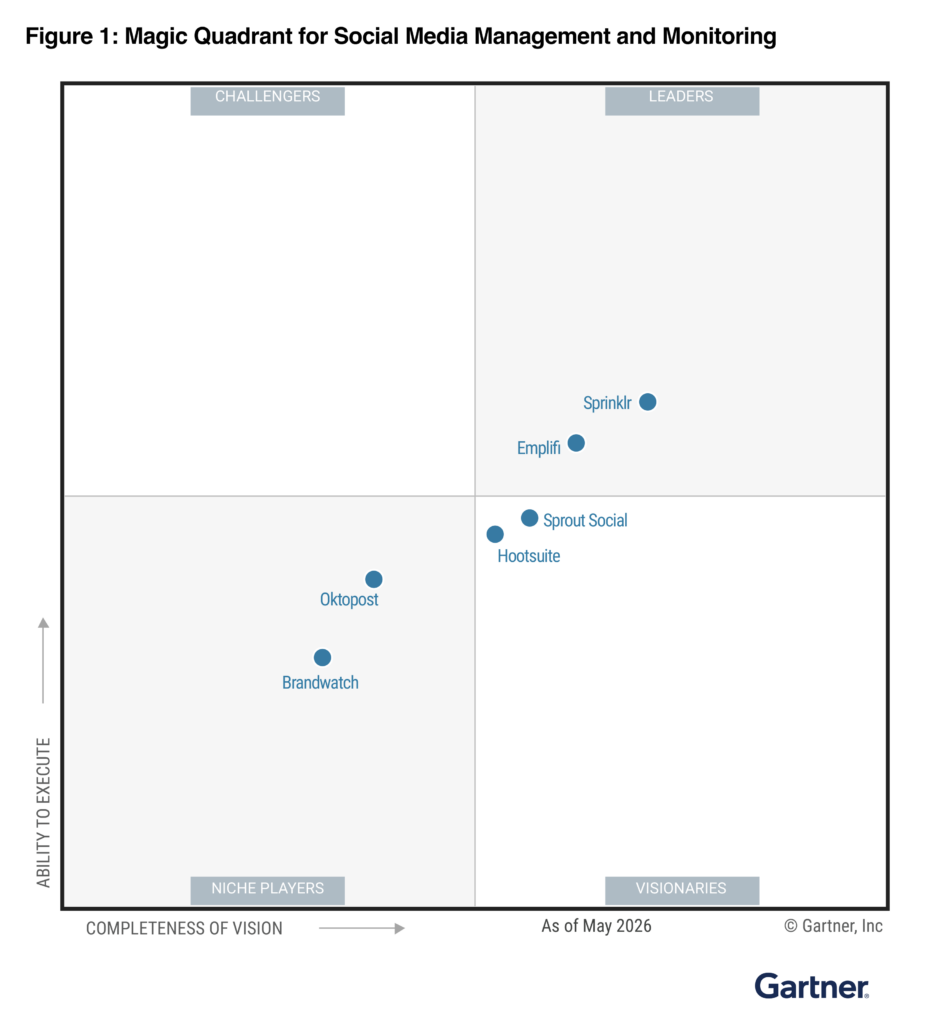
We’re recognized as a market leader in innovation, customer support, and ease of use from these organizations.