This page brings every 2026 Emplifi product release together in one place, with the newest month at the top. Each month, we add a new roundup of the features that help teams work more efficiently across social media management, customer care, commerce, and AI.
September 2026
September brought more control over agent capacity and more flexible AI case summaries in Emplifi Care, team-based permissions for Emplifi Flow Automations, custom metrics in Dynamic Boards, structured review data for AI search in Emplifi Ratings & Reviews, and new translation options in Care and Emplifi Community, plus an update on how YouTube counts video views.
Choose which case statuses count toward agent capacity
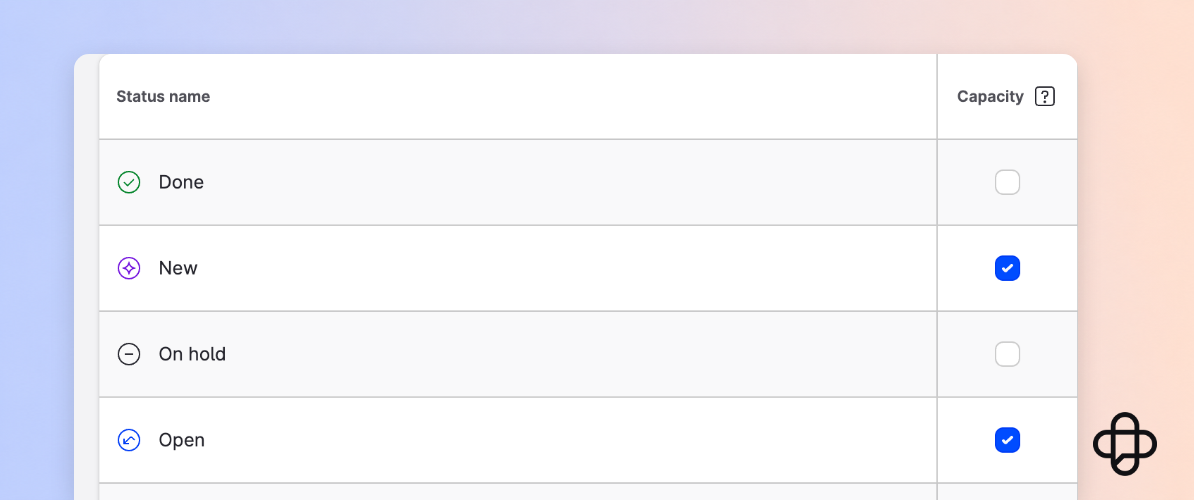
Support managers can now decide which case statuses count toward an agent’s maximum capacity in Emplifi Care. Under Settings → Care → Case statuses, each status can be switched on or off.
For example, you can exclude cases waiting for a customer reply (Pending) or paused cases (On Hold), so they no longer take up capacity and agents receive new cases sooner. The setting applies to the whole account and requires the Manage Care workflows permission.
Team-based permissions for Flow Automations
Flow Automations now supports team-based access for accounts using Emplifi Teams. Each flow is assigned to a team, and access is managed with team-level View and Manage permissions. View lets users see their team’s flows, while Manage lets them create, edit, duplicate, and activate or deactivate them.
When building a flow, only the resources assigned to that team, such as managed profiles, are available in the editor. This gives multi-brand and global organizations clearer control over who can see and change automated workflows. Permissions are set under Settings → Teams → [Team name] → Product access.
Custom metrics in Dynamic Boards
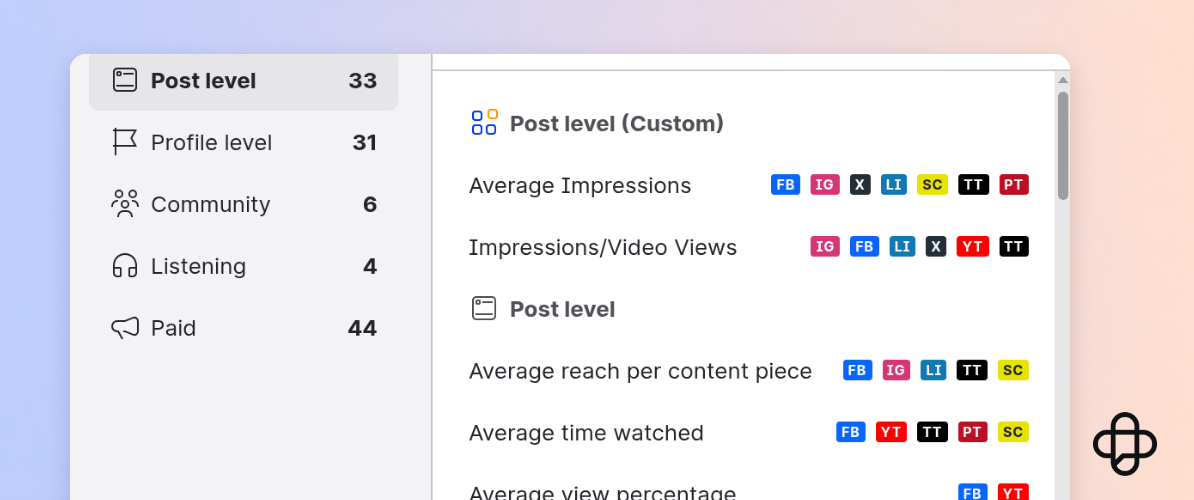
You can now use your account’s custom metrics when building widgets on Dynamic Boards in Emplifi Unified Analytics. Custom metrics appear under Post level (Custom) in the metric picker, and they work across every widget format, including charts, tables, and content cards.
When a custom metric is updated, the widgets that use it are rebuilt automatically and you’re prompted to reload the board. Dynamic Boards are part of our early access program, so contact your Customer Success Manager to learn more about joining.
Help AI search find your ratings and reviews
Emplifi Ratings & Reviews can now deliver product ratings and individual reviews as server-side structured data (JSON-LD), so they can be included in the first HTML response of your product pages.
Many AI crawlers don’t run JavaScript and can miss review markup that widgets add later. Serving it with the page makes your aggregate rating and review content easier for AI-driven search engines and assistants to read, index, and surface in AI-generated answers and recommendations.
Translate internal notes in Care and individual messages in Community
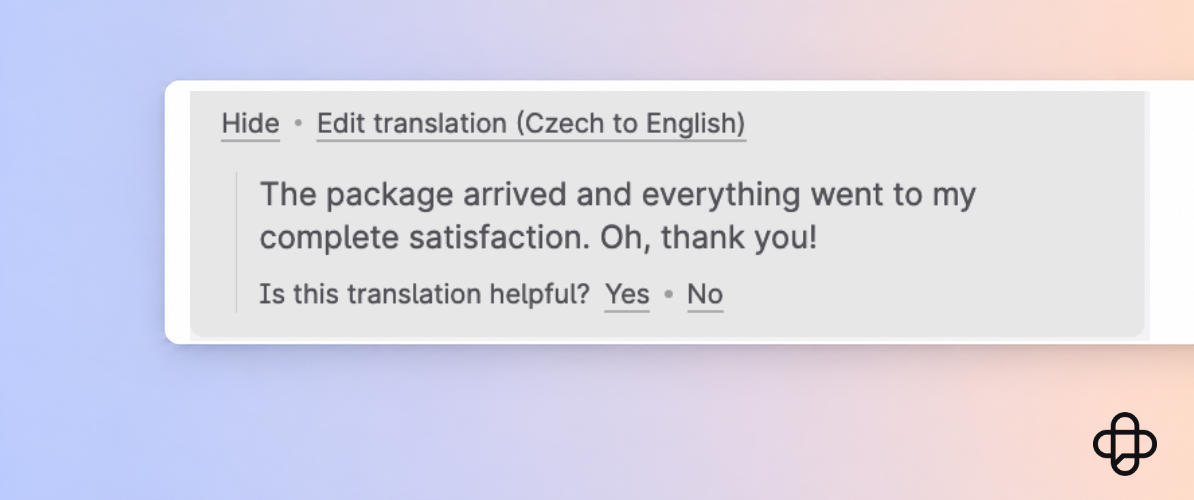
Care users can now translate internal notes. When a note is written in a language other than your preferred language, a Show translation option appears under it, so teams can read notes from colleagues in other regions without leaving Care. The original note isn’t changed. This is available when translations are enabled in Care.
In Community, the Show translation option now follows the language of each message in a direct conversation instead of the language of the whole conversation, so conversations that mix languages are handled correctly.
More flexible AI case summaries in Care
AI Summary in Care now works better for multilingual teams and older cases. You can generate a summary of a case even when its last message was posted more than 90 days ago, for example when you work on an escalation or review the quality of an older case.
When translations are enabled in Care and you set a preferred language, summaries are generated in that language instead of the language of the case. Care also remembers whether you prefer bullet points or a single paragraph, and applies the format you last used the next time you generate a summary.
YouTube video views now count from the first frame
From August 24, 2026, YouTube counts a view of a long-form video or live stream as soon as playback starts. Shorts have followed this rule since March 31, 2025.
Emplifi shows the numbers YouTube reports, so YouTube video views in Emplifi Unified Analytics, Emplifi Dashboard, and Content Hub may rise after that date. We haven’t changed how we calculate them. If you compare periods across August 24, note the change in your reports.
August 2026
August brought more visibility into Emplifi Care queues, Care reporting for a wider set of users, tighter agent availability tracking, a refreshed Agent Chat widget, and tagging for Emplifi Flow Automations.
More visibility into what’s sitting in each queue
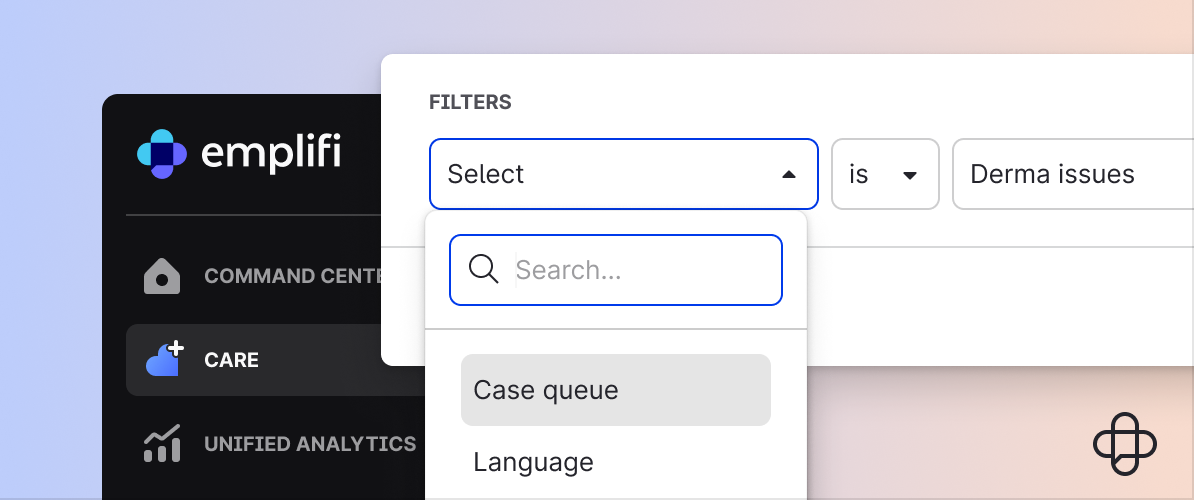
The new Assigned Case Queue filter in Care lets supervisors and agents see the individual cases within one or more queues, not just a total count. This makes it easier to spot unprocessed cases, identify where work is getting held up, and keep queues moving.
The filter is available directly in Care and in saved views for accounts using Flow Automations for queue management. Access requires Manage Queues permission.
Care reporting for users without Care access
Care reporting is now available to users who have access to Emplifi Unified Analytics or Emplifi Dashboard, even if they don’t have access to the Care module itself. This makes it easier for leaders and reporting teams to monitor Care performance without needing to work directly in case management.
Agents automatically set to Offline on logout
Care agents are now automatically set to Offline when they manually log out of Emplifi. This prevents agents from appearing available for case assignment after they’ve left the platform.
A refreshed Agent Chat widget
The Agent Chat widget, used across webchat and the Emplifi Agent platform, has been updated with clearer icons, a resizable reply field, a dedicated emoji menu, and a searchable template menu. These changes reduce friction during live conversations and help agents find the right response more quickly.
Custom tags for Flow Automations
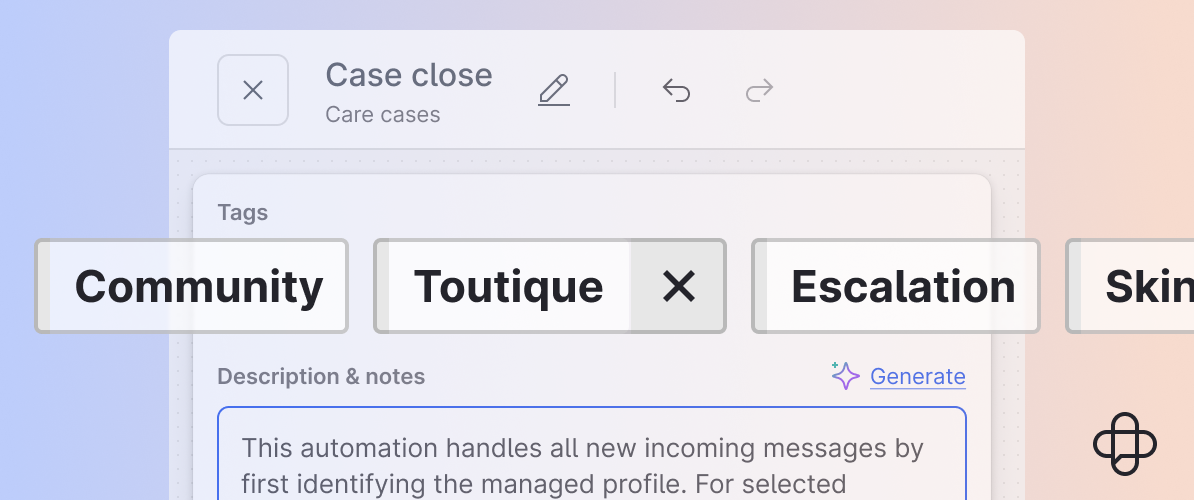
You can now add custom tags to individual Flow Automations, assign multiple tags to a single flow, and filter your flow list by tag. Tags appear in a dedicated column on the Flow Automations homepage, making it easier to find and manage automations as your library grows.
July 2026
In July, we introduced Fuel AI, expanded Emplifi Listening capabilities, and gave Emplifi Care teams more control over case visibility. These updates help teams work more efficiently, strengthen governance, and deliver more consistent customer experiences across brands and channels.
Introducing Fuel AI
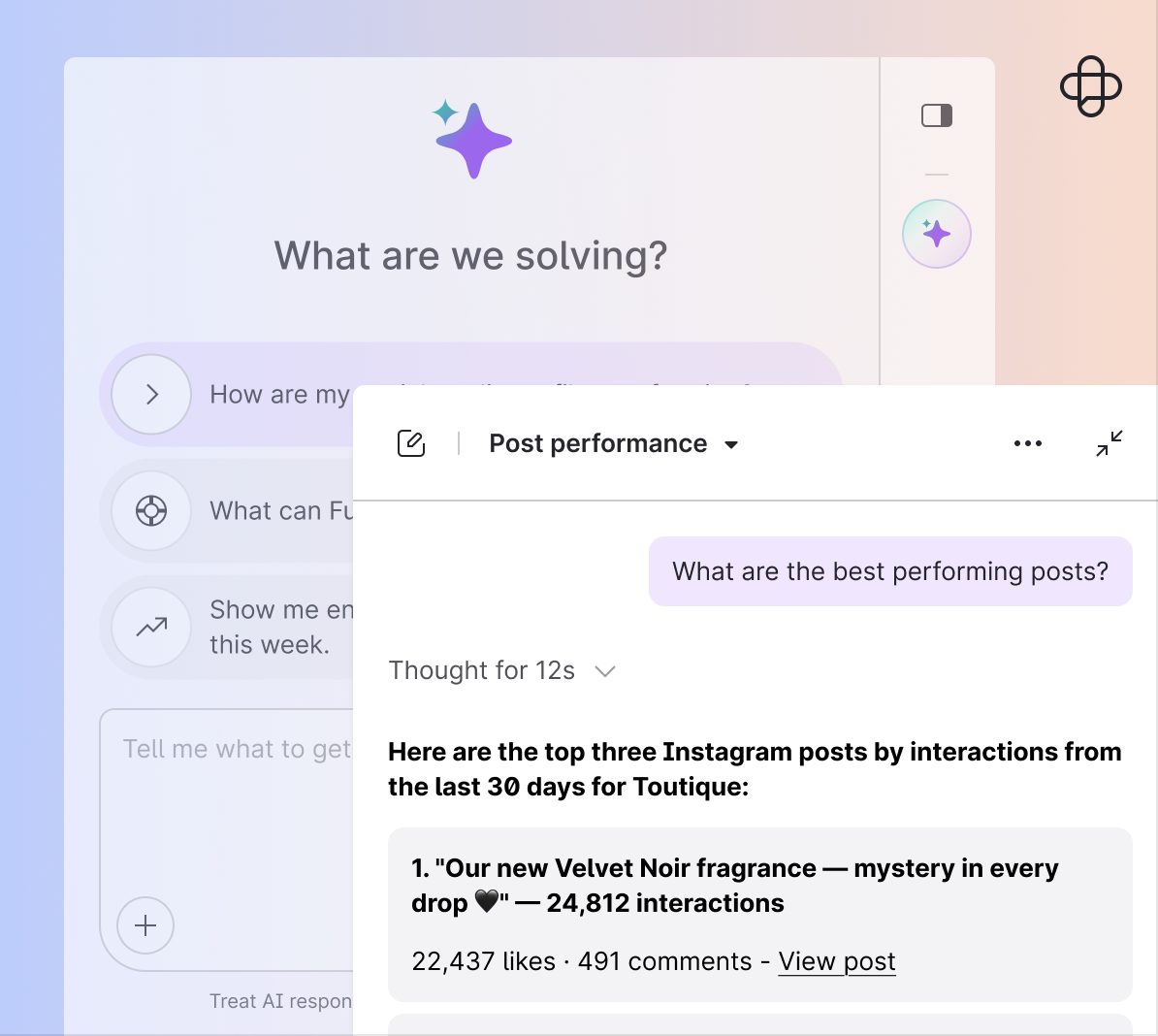
Fuel AI is the intelligence layer that connects capabilities across Emplifi Fuel, from social marketing and customer care to UGC, listening, and commerce.
It helps organizations move toward Autonomous CX: a more connected operating model where teams can create, analyze, prioritize, and respond with greater speed and consistency.
Fuel AI brings together two connected capabilities:
- Content Orchestrator helps teams create and curate content, surface insights, and make smarter publishing decisions.
- Service Orchestrator helps care teams triage incoming conversations, route cases intelligently, support automated responses, and feed customer insights back into content strategy.
Enterprise controls are built in, including configurable confidence thresholds, policy guardrails, audit trails, and data privacy protections, so teams can adopt AI with appropriate oversight.
More flexible Listening and proactive SSO alerts
Emplifi Listening now includes:
- Unlimited query length for more detailed research
- The NEAR/25 proximity operator for more precise searches
- TikTok hashtag tracking to expand social conversation monitoring
We’ve also added automated SSO expiry alerts, helping enterprise teams maintain uninterrupted access and stay ahead of authentication-related issues.
More focused Care queues with profile-based visibility
Care teams can now restrict case visibility by social profile. Agents see only the cases, messages, and threads associated with the profiles assigned to them.
This helps reduce queue clutter, supports cleaner routing, and strengthens separation between brands or regions, particularly useful for global organizations managing multiple social accounts.
June 2026
June added profile-level Emplifi Care permissions in Emplifi Teams, centralized user access management, and completed the transition away from deprecated Facebook metrics.
Profile-level Care permissions via Emplifi Teams
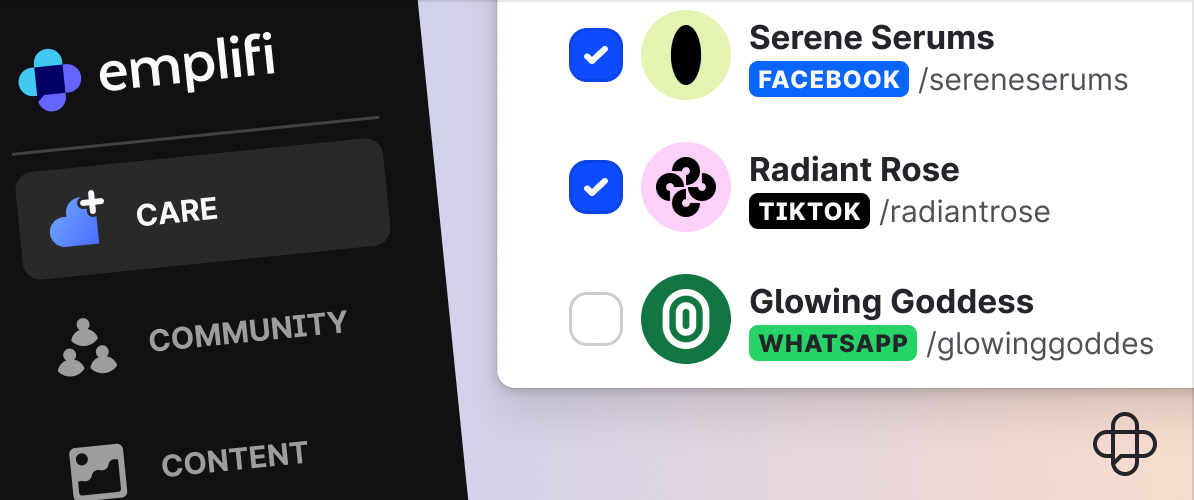
Administrators can now assign Care access at the profile level through Emplifi Teams, controlling which user roles and team members can access specific social profiles and support queues. This supports stricter data governance, protects customer privacy, and simplifies case distribution across multi-brand and global operations.
Centralized User Access Overview for Teams
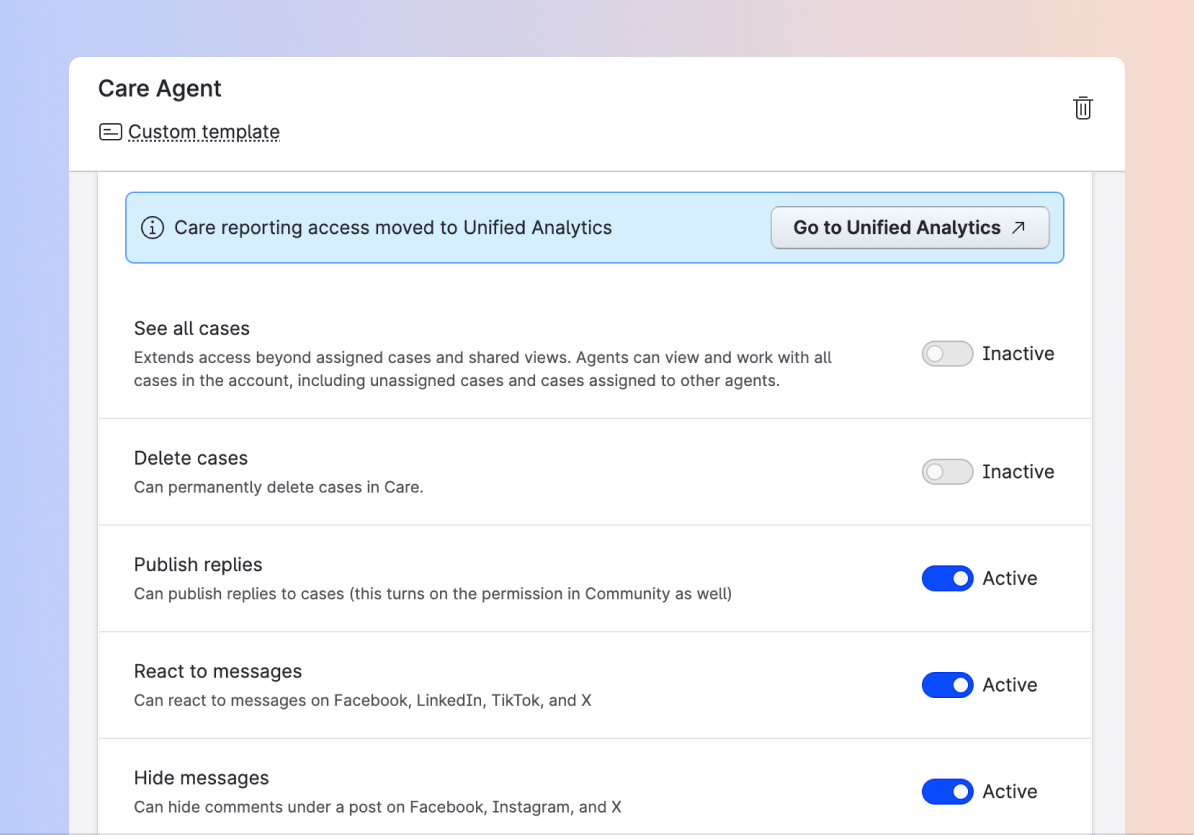
Emplifi Teams now includes a centralized User Access Overview, giving administrators a single view of assigned roles, profile access, and permission levels across all teams. This makes it easier to audit and maintain access at scale without navigating multiple settings pages.
Facebook deprecation replacements now live
Following Meta’s deprecation of legacy Facebook metrics, Emplifi has updated its analytics and dashboards to use Meta’s supported graph metrics. Affected reports, widgets, and data streams have been migrated, so teams can continue tracking performance without reconfiguring anything.
May 2026
In May, we added analytics reports for UGC impact on product pages, introduced AI-generated review summaries for shoppers, and launched campaign planning tools with automated UTM tracking in Emplifi Publisher.
Measure UGC performance on product pages
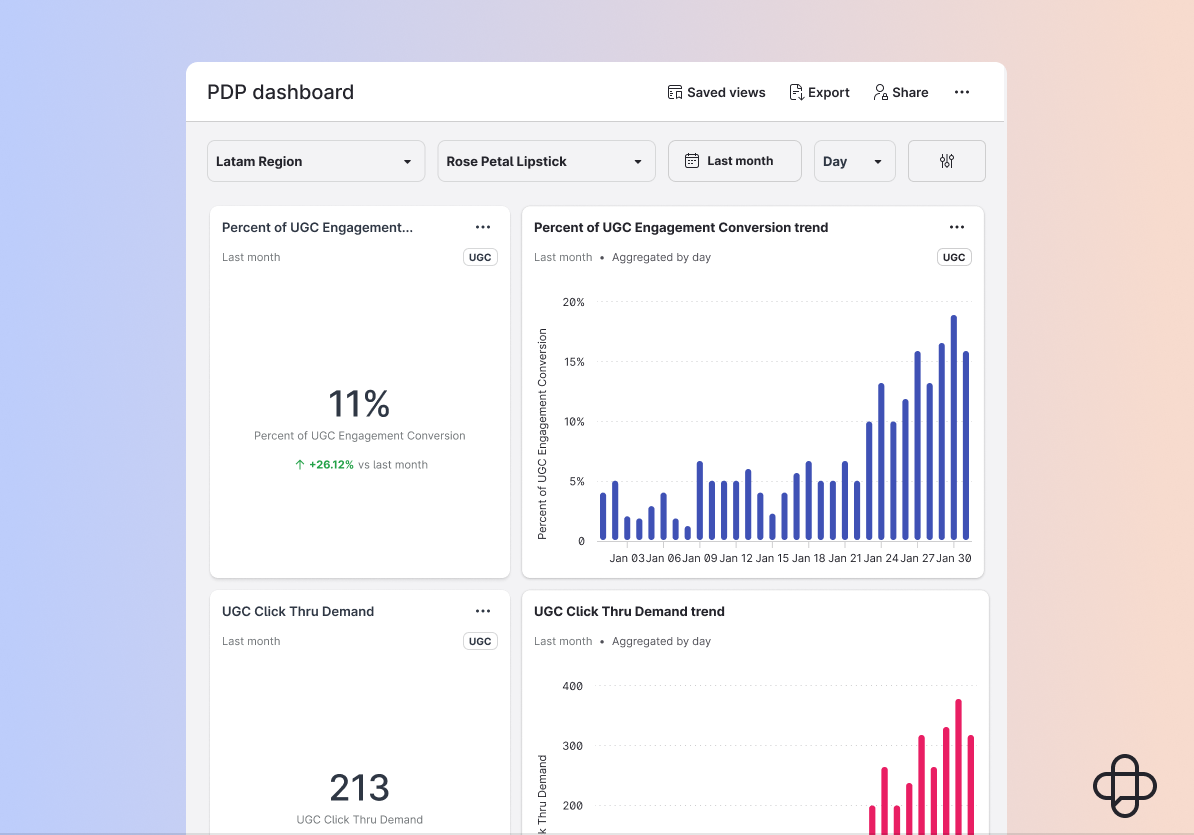
Three new analytics reports are focused specifically on product detail pages (PDPs), giving marketing and e-commerce teams clearer visibility into how UGC influences purchasing behavior.
Teams can track shopper interactions with Emplifi UGC widgets and galleries on PDPs, and measure conversion rate lift, average order value (AOV), and revenue directly attributed to UGC engagement.
AI Review Summaries on product detail pages
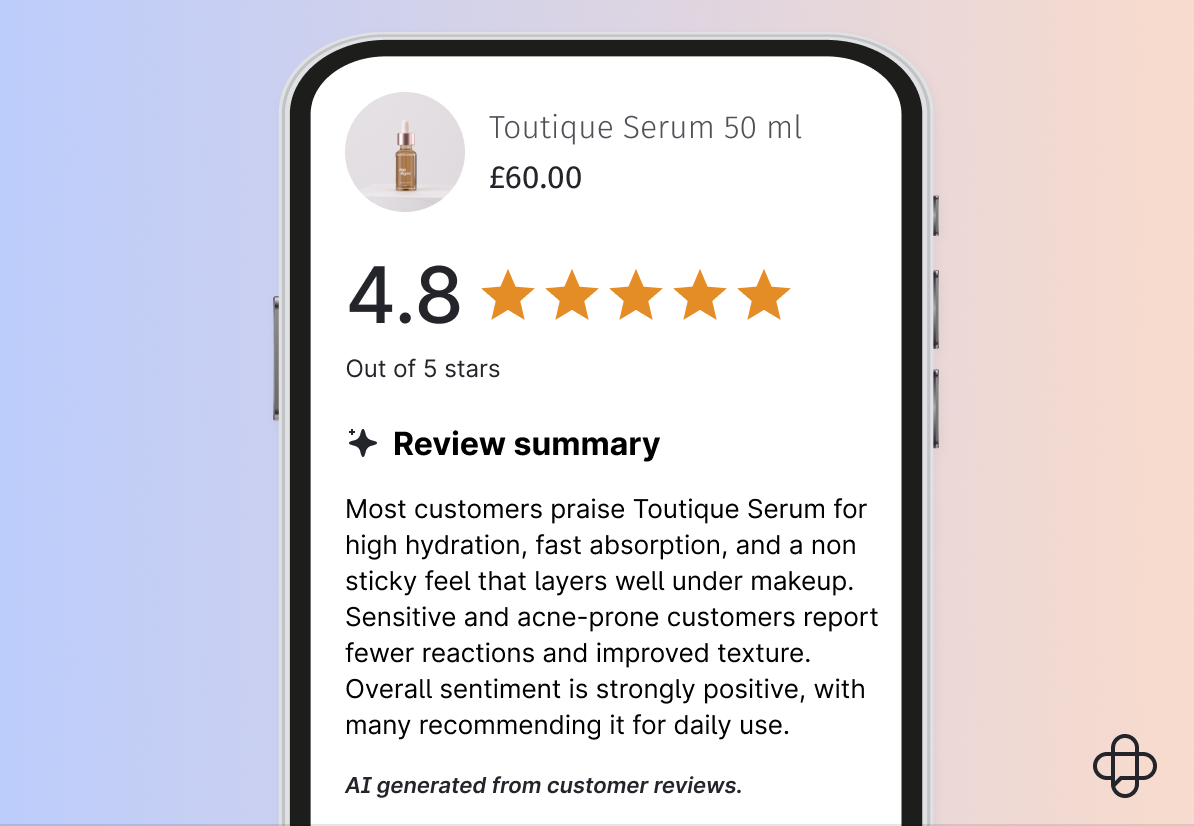
Shoppers on product detail pages with 50 or more verified reviews now see an AI-generated summary above the fold. The summary highlights recurring positive themes, overall sentiment, and potential considerations, helping shoppers evaluate products more quickly without reading through every individual review.
Campaign planning and automated UTM tracking in Publisher
Publisher now includes tools for organizing social campaigns and automating link tracking. Teams can define campaign details, assign posts to specific initiatives, and attach briefs for team alignment, all within Publisher.
UTM parameters are generated automatically for every post link, which reduces manual tagging, maintains tracking consistency, and improves performance attribution across channels.
April 2026
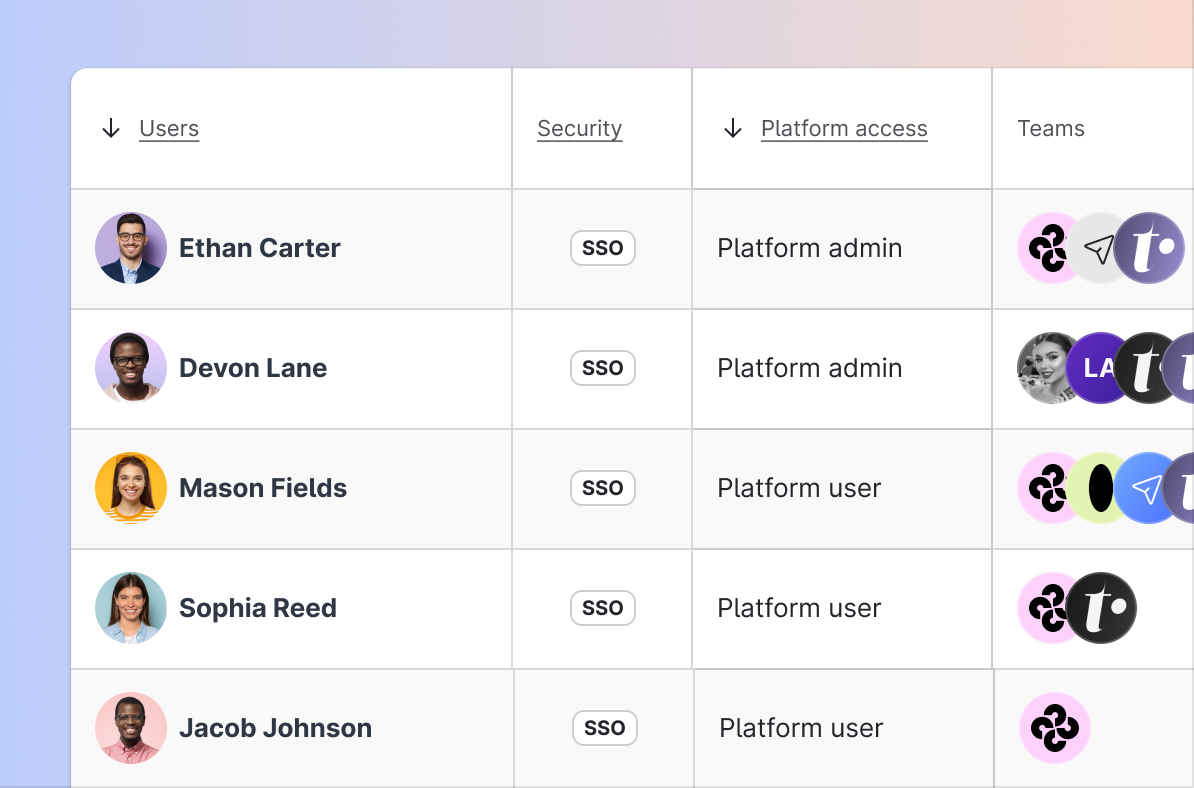
April strengthened governance across Emplifi Teams, made it easier to share Emplifi Community feeds with teammates, and brought Emplifi Care metrics into Dynamic Boards.
Stronger governance controls across Emplifi Teams
Organizations can now enforce granular role-based access controls and workspace permissions across Emplifi Teams. Administrators have fine-grained control over user access, data scope, and feature usage, supporting compliance and multi-team management across global brands.
Shareable Community feeds for team members
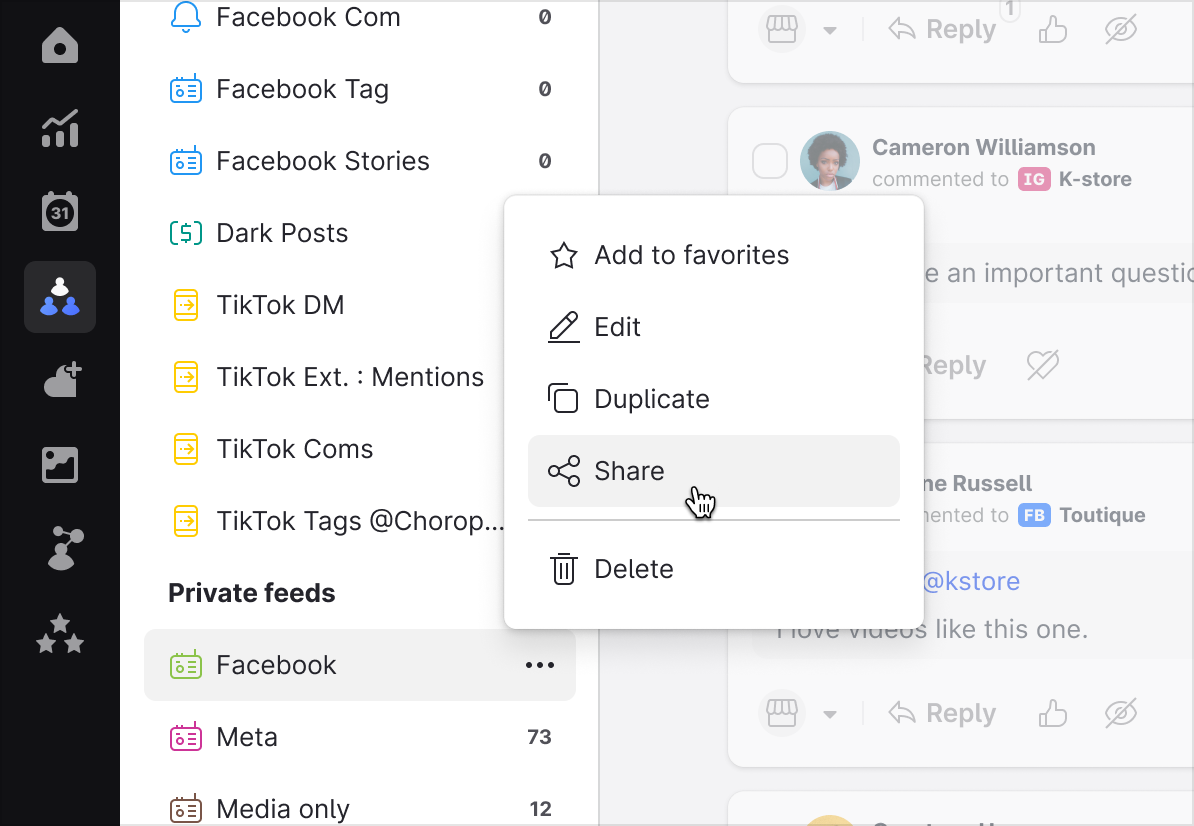
Community managers can now create and share custom feeds directly with team members through Emplifi Teams. Custom-filtered inbox views, prioritized streams, and moderation queues can be shared across the team, making it easier to coordinate responses and reduce duplication of effort.
Care performance metrics in Dynamic Boards
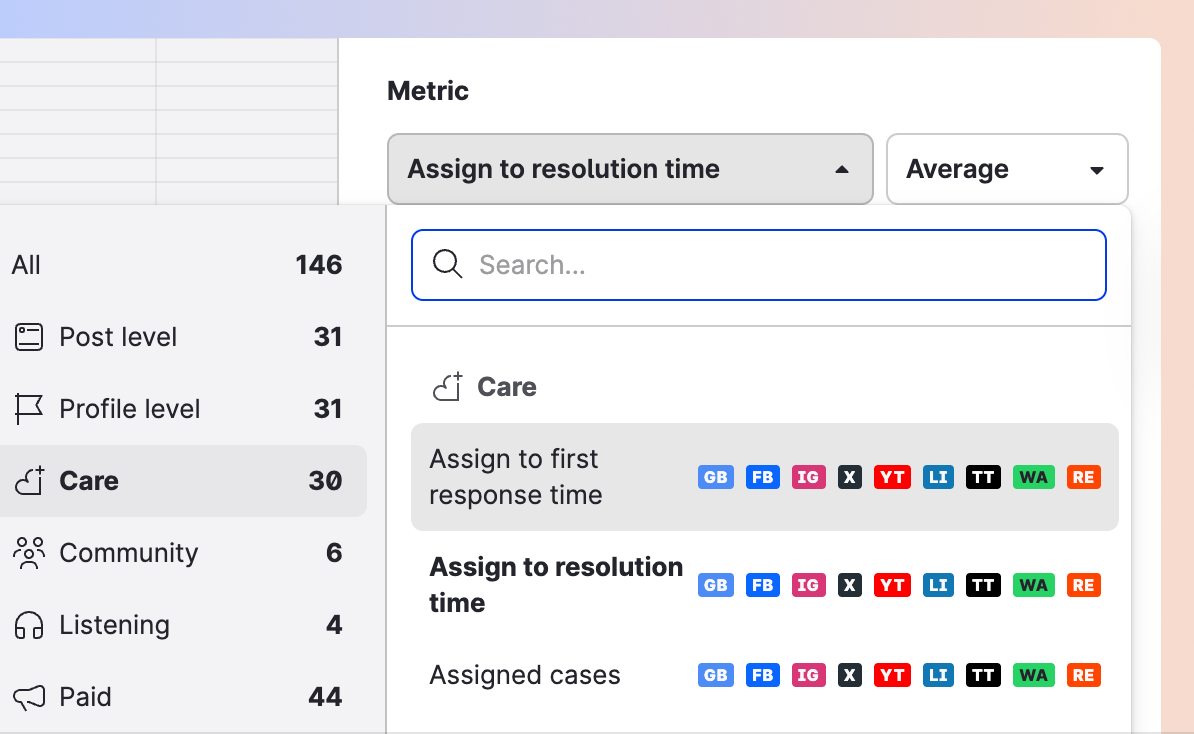
Care metrics can now be added to custom Dynamic Boards alongside marketing and social analytics. Teams can track response times, case resolution rates, agent workloads, and CSAT scores in a single, shareable view.
March 2026
In March, we made it easier for care agents to communicate across languages, expanded TikTok UGC collection in Emplifi UGC, and added more precision to Emplifi Flow Automations triggers.
Translate outbound messages directly in Emplifi Care
Care agents can now translate sent messages within the agent workspace before sending them. This removes the need to switch to external translation tools and helps global support teams respond accurately in multiple languages.
Collect TikTok UGC via hashtags and @mentions
Brands can now discover and collect user-generated content (UGC) on TikTok by tracking specific hashtags and direct @mentions. This makes it easier for marketing teams to find and aggregate authentic community content for use in social campaigns.

More precise triggers in Flow Automations
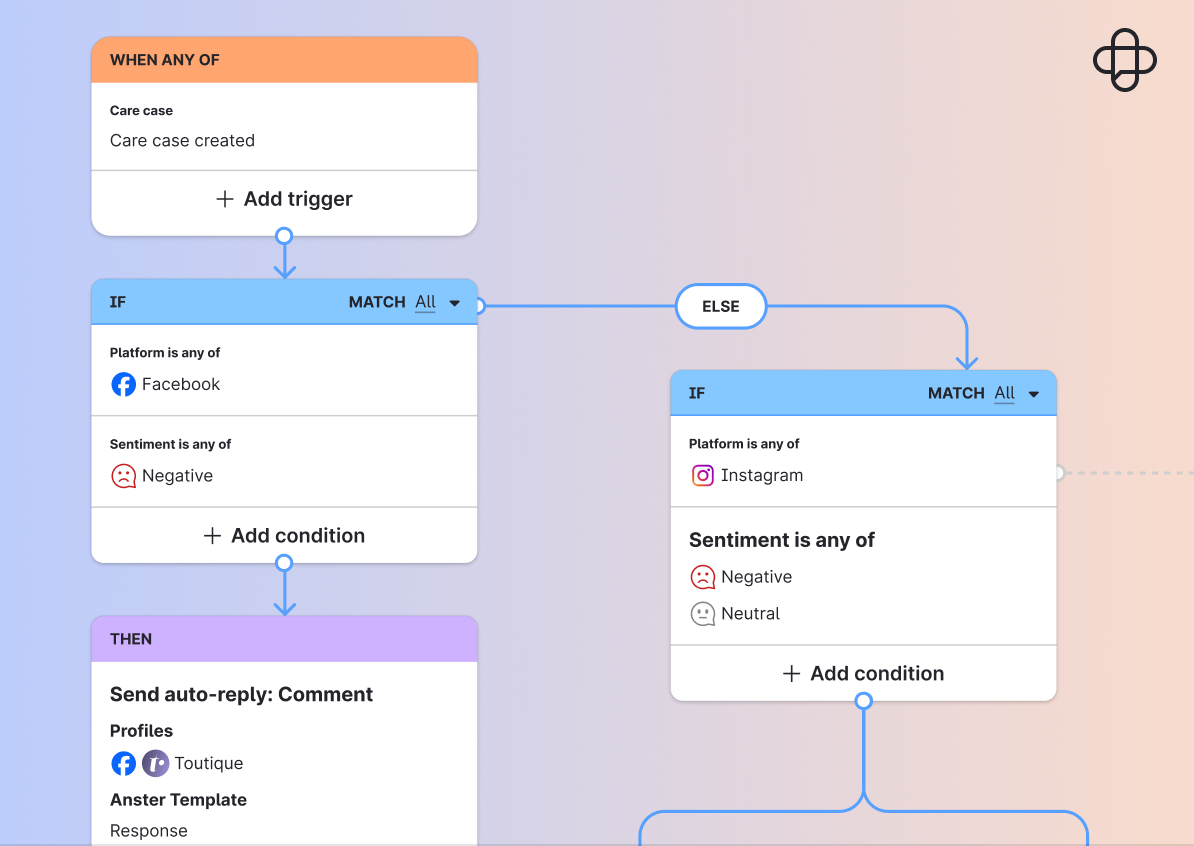
Flow Automations has been updated with refined trigger rules and configuration options, giving teams finer control over automated workflows. This includes more accurate conditions for routing cases, applying labels, and triggering actions.
February 2026
February added Reddit to Emplifi Listening, brought AI-generated summaries into Emplifi Unified Analytics, and simplified intent management and transcript controls in Emplifi Bot.
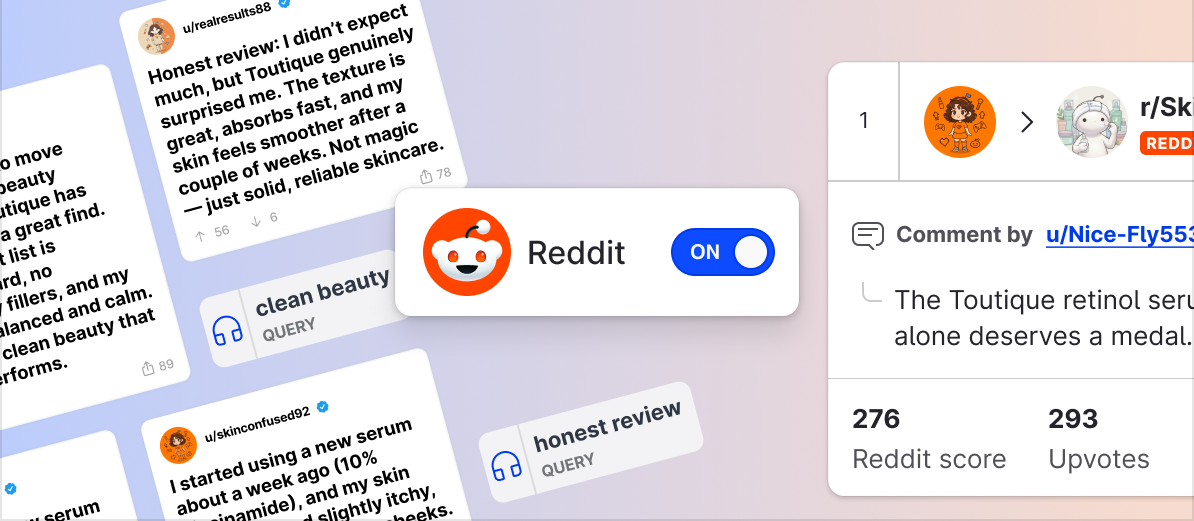
Monitor public Reddit conversations in Listening
Reddit is now available as a listening source in Emplifi. Teams can track public subreddits, monitor specific hashtags and @mentions, and surface consumer conversations that rarely appear through traditional channels.
The integration includes AI text analysis and sentiment detection, allowing teams to process large volumes of Reddit discussions and identify patterns, trends, and sentiment shifts more quickly.
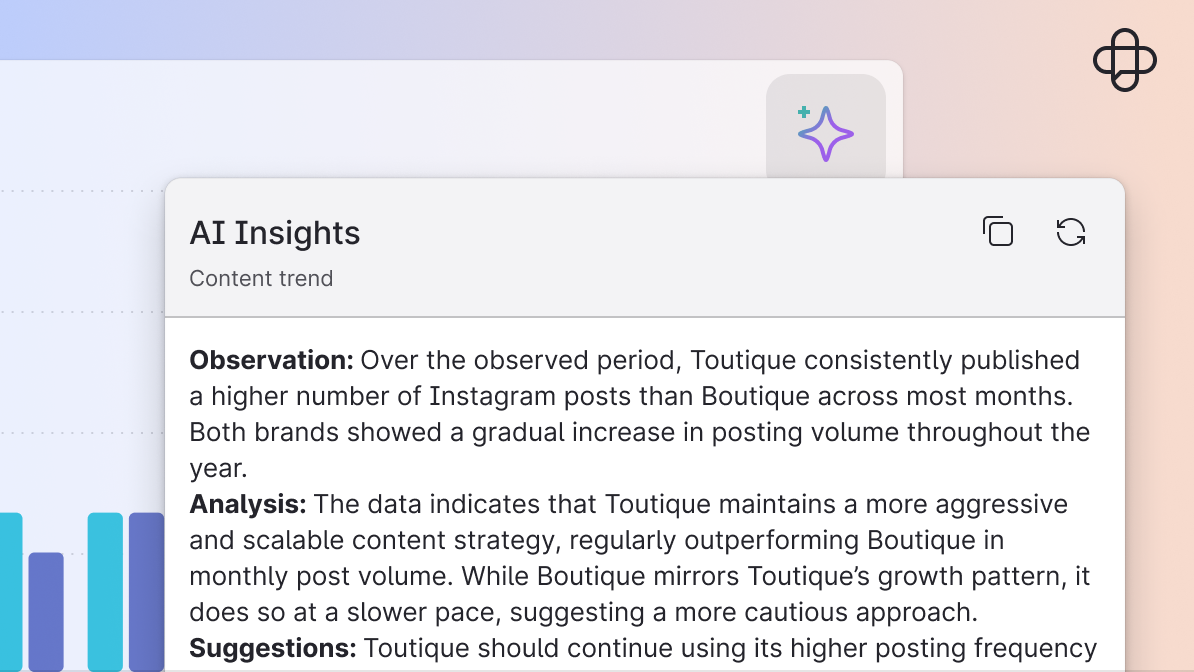
AI-generated summaries in Unified Analytics
Unified Analytics now includes AI Widget Insights: automated summaries embedded directly in dashboard widgets. Each widget can surface trend callouts, key performance signals, and actionable recommendations without requiring manual analysis. It speeds up reporting and helps teams identify what matters faster.
Simpler intent management and transcript controls in Emplifi Bot
Emplifi Bot has been updated with the Simple Intent Engine, which simplifies how intents are matched during bot configuration. Updated authoring guidance provides clearer direction while building flows, and new transcript settings give admins more control over how conversation records are handled.
January 2026
We started the year by introducing automated sentiment detection for TikTok, expanding Emplifi Bot with multi-language support and a redesigned authoring experience, and adding new triggers and actions to Emplifi Flow Automations.
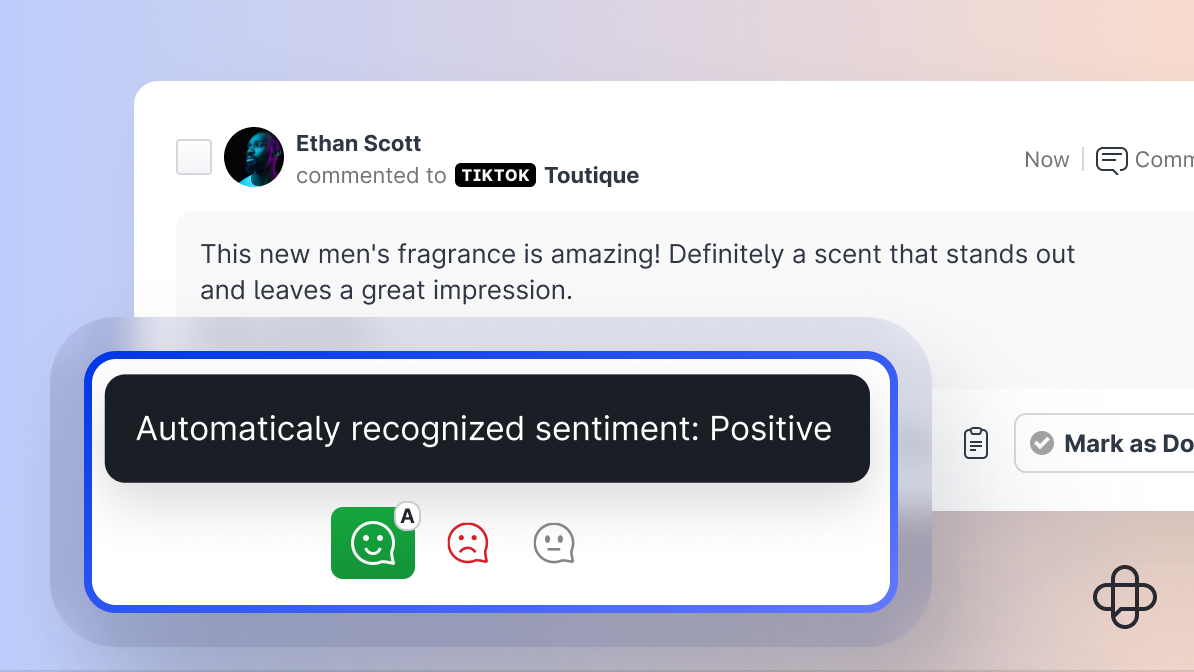
Automated sentiment tagging for TikTok comments
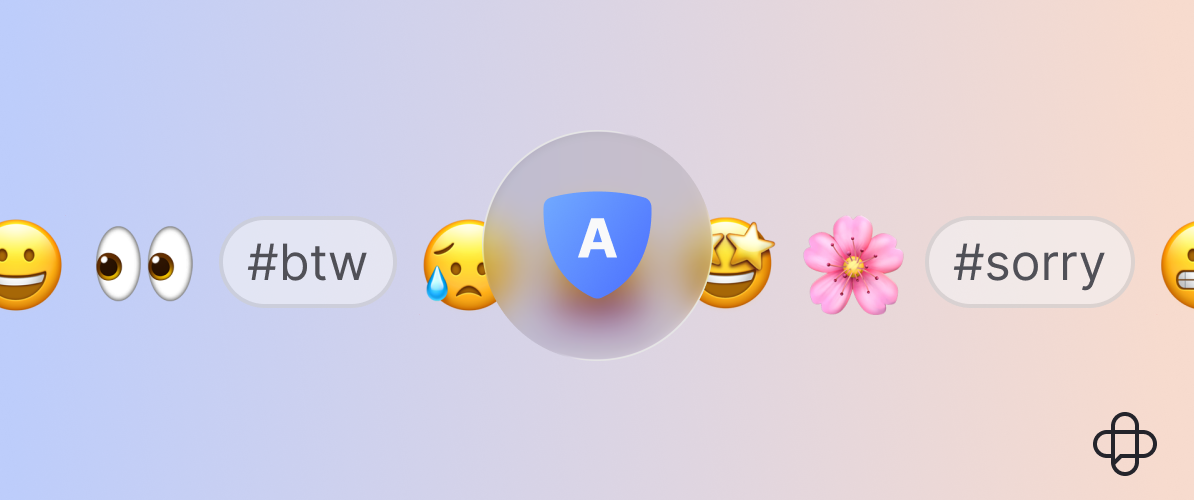
Emplifi now automatically detects and tags the sentiment of TikTok comments in Emplifi Community and Emplifi Care, just as it does for other supported platforms. Comments identified through automated analysis are marked with an “A” icon.
This data feeds directly into Emplifi Dashboard and Emplifi Unified Analytics, where teams can filter and analyze conversations by positive, negative, or neutral sentiment. Account admins can manage sentiment settings for TikTok profiles under Settings → Automation → Sentiment.
More capable Emplifi Bot with translation support and a redesigned canvas
Emplifi Bot now supports automated multi-language conversations, enabling teams to serve customers in their preferred language without manual intervention.
The authoring experience has also been redesigned. A new full-screen canvas editor, dynamic previews, an Inspector Panel, a Flow Selector, and improved navigation nodes make it faster to build and iterate on bot flows, and easier for teams to collaborate.
More flexibility in Flow Automations
Flow Automations has been updated with new triggers, additional conditions (including Escalated to Care and Listening Query), and new automated actions such as auto-replies, content labeling, and case escalation.
An updated canvas editor brings a more intuitive visual experience for building multi-step, API-driven workflows.
For complete details and setup guidance on any of these updates, visit our product documentation or reach out to your Customer Success Manager. For news from the social networks themselves, see our monthly social media updates.