2026 Gartner® Magic Quadrant™

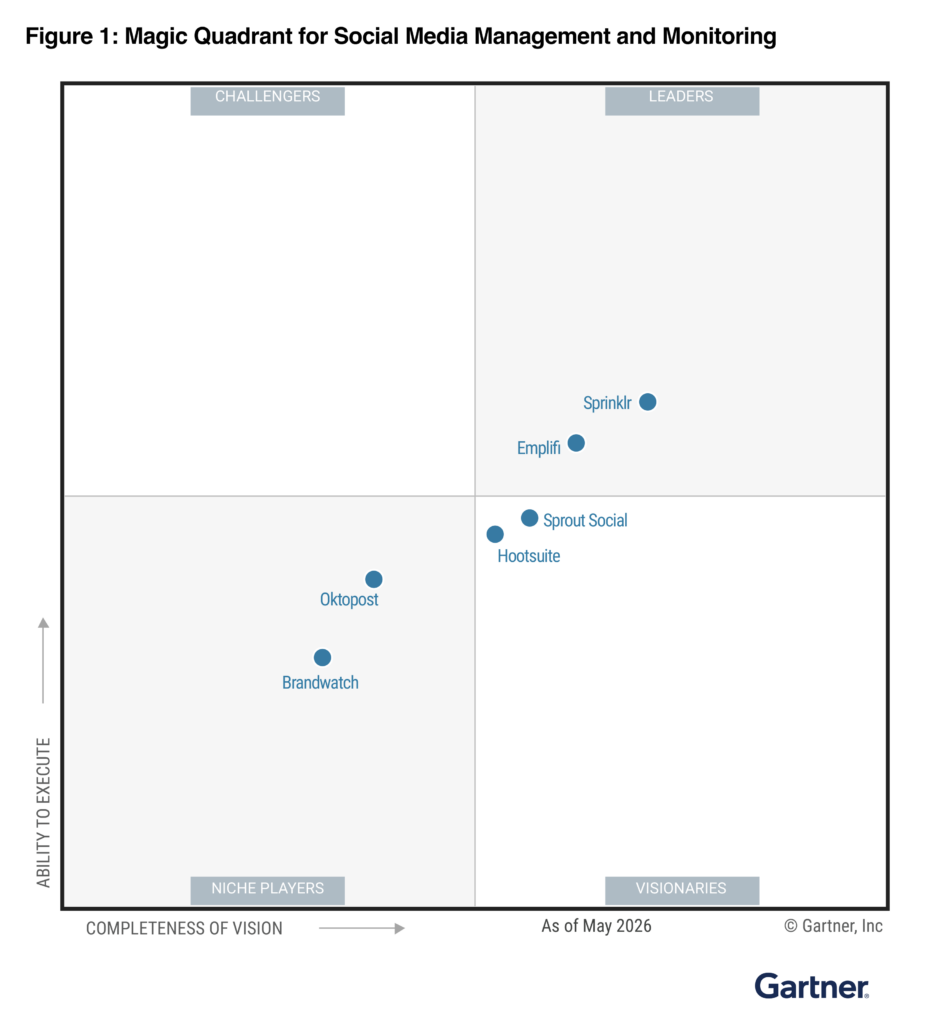
Emplifi named a Leader in the 2026 Gartner® Magic Quadrant™ for Social Media Management and Listening

Get the Report

Emplifi named a Leader in the 2026 Gartner® Magic Quadrant™ for Social Media Management and Listening Get the Report

Blog
8 min read
Sep 15, 2026

SLA management for social customer care: how to set, track, and hit your targets

Social care Service Level Agreements (SLAs) need different rules than email or phone support. Your targets have to account for public visibility, unpredictable volume spikes, and what your definition of ‘resolved’ truly means.

Gabriel Tay Director of Business Consulting at Emplifi
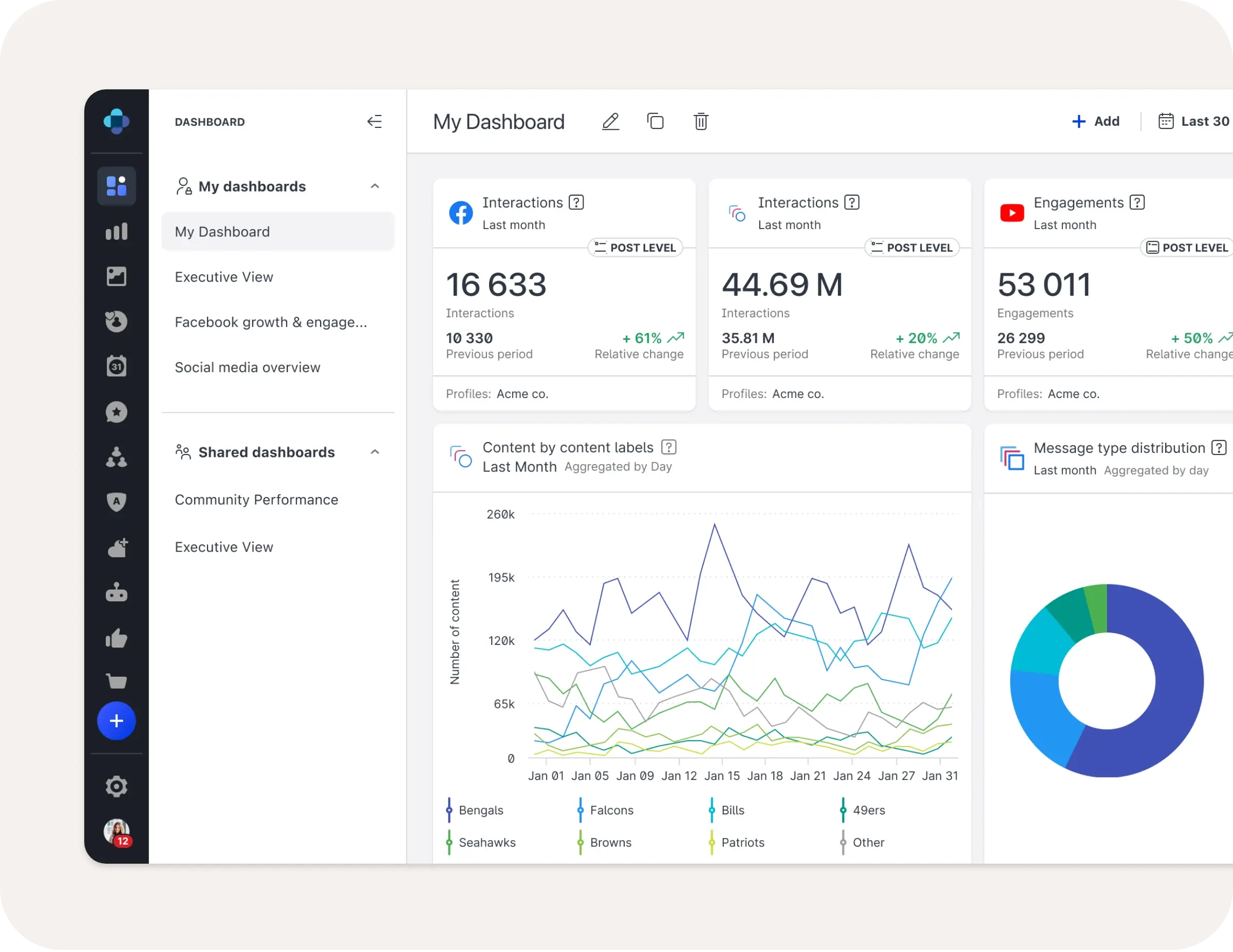
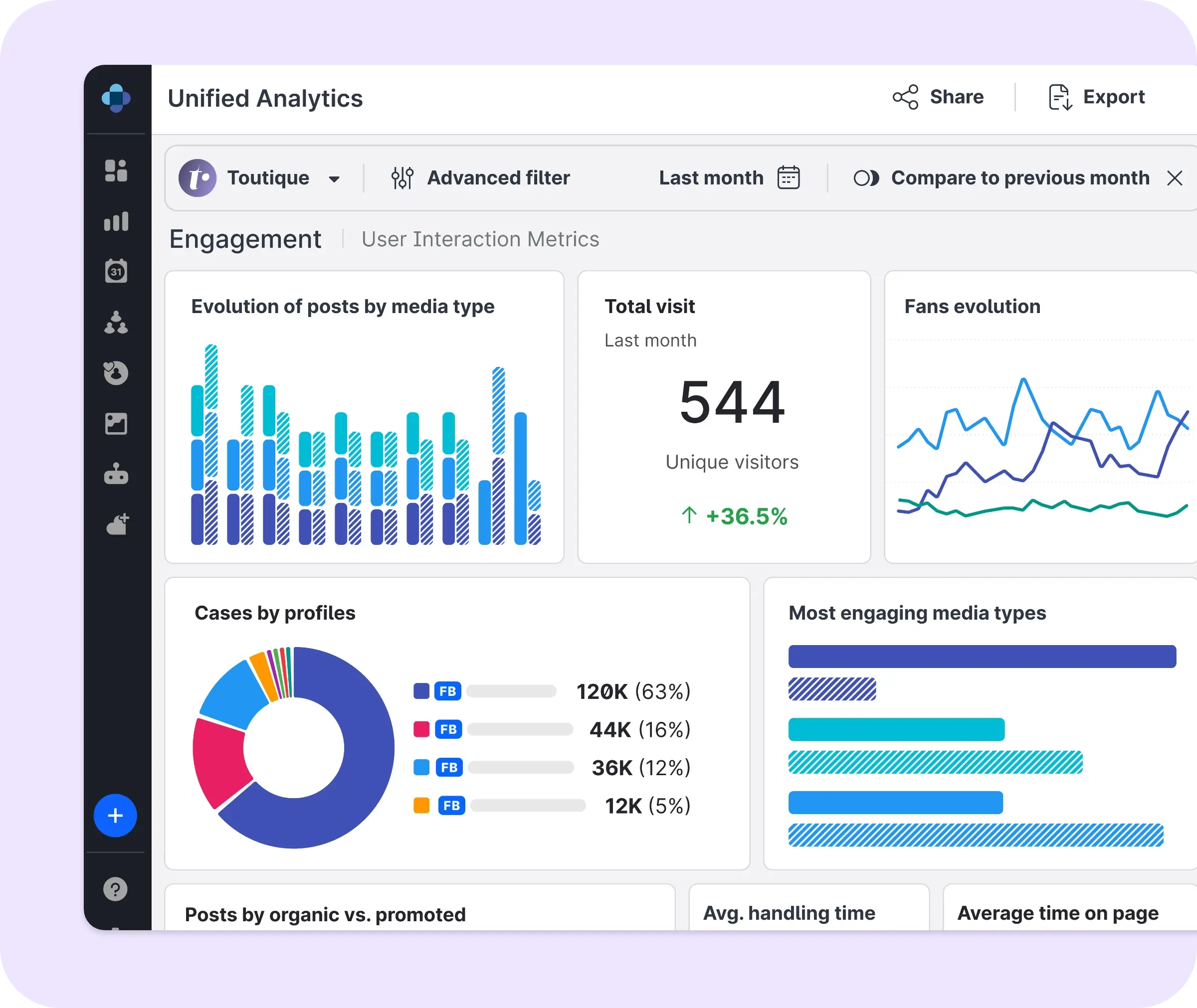
SLA management dashboards

Key points:

  • Social care SLAs face three core problems that traditional support metrics don’t: everyone can see a missed target, volume can spike 10x in hours, and ‘resolved’ is ambiguous when a public comment gets answered in DMs
  • SLA targets should vary by inquiry type and account tier because a public complaint and a compliment shouldn’t be judged on the same metrics
  • Monitoring only works if it’s built into routing from the start, when escalation alerts and breach thresholds also need to be configured
  • SLAs often collapse when volume spikes, so preparing for them before a campaign launches is key

Last month, your SLA dashboard showed that 94% of queries were answered on time. It’s a solid number. You might even screenshot it for the next leadership meeting.

But dig a little deeper. What does that 6% miss?

It could have been three public complaints about the same product defect, sitting unanswered for six hours, because they landed during a campaign push.

While the stats look good from your side, there could be a public crisis unfolding. And everyone who was reading that thread on social media watched it happen in real time.

This is exactly why social care SLAs can’t just borrow the playbook from email or phone support.

Whether it’s the targets, the monitoring, or the escalation rules, every metric has to be built for social specifically, because a ticketing system was never designed with public visibility in mind.

In this guide, you’ll learn

  • Why social care SLAs need a different structure than traditional support SLAs
  • How to set realistic first-response and resolution targets by inquiry type
  • How to build SLA monitoring directly into your routing setup
  • How to handle volume spikes without your SLA collapsing under them
  • How to review performance monthly and catch problems before they become a pattern

Why social SLAs are different

Three things make social care SLAs substantially different from the SLAs most teams already know how to run.

If you build your SLA without these in mind, your dashboard can look perfectly healthy while a real complaint sits unanswered in public view.

Each one needs its own fix. They are:

  • Public visibility: A missed SLA on email is invisible to everyone except the customer. A missed SLA on social is visible to everyone who scrolls past the thread, and it matters to them too: 58% of consumers say it’s important to see brands respond to customers on social media.
  • Volume unpredictability: A campaign launch, a product recall, or a single viral moment can multiply inbound volume 10x within hours. A public comment section can be visibly unanswered, while volume climbs.
  • Resolution ambiguity: A public complaint answered by moving the conversation to DM is technically resolved. But it doesn’t look resolved to anyone reading the public thread, who sees a complaint with no visible reply.

Get this wrong often enough and you could be gambling with consumer loyalty. According to Emplifi research, a quarter of consumers leave a brand after just one bad experience, and nearly half leave after two.

To ensure you hit your targets effectively and keep your customers happy, build your SLA management out using these four steps.

1 in 3 conversations, resolved with zero human involvement

Airlines are already embracing AI at scale. See how it’s improving their care programs in our latest report.

Step 1: Set the right SLA targets by inquiry type

Not every inquiry should be measured on the same timescale.

For example, a public complaint about a product defect should be treated much more urgently than a compliment about your packaging.

This table gives an example of the targets you can set, based on the incoming inquiry type:

Inquiry type First response target Resolution target
Public complaint (product defect, service failure) Flagged immediately via spike alert; responded to as your team’s fastest priority 4 hours
DM complaint 30 minutes Varies by complexity
Public question (product info, policy) 2 hours, or seconds via self-service Same as first response, the answer is the resolution
DM question 1 hour Same as first response, the answer is the resolution
Community interaction (compliment, general engagement) 24 hours N/A, nothing to resolve

The public complaint carries the tightest priority here because it’s visible the moment it’s posted.

Emplifi’s Spike Alerts catch that kind of signal in real time, flagging a sentiment shift or a high-priority complaint the moment it crosses a threshold, rather than waiting for someone to notice it in a queue.

DM complaints still move fast, because a customer who chose to message you privately is signaling they expect a personal response. About a third of consumers expect a DM reply within an hour, and only 8% will wait 48 hours before giving up entirely.

Account tier matters just as much as inquiry type too. A VIP customer’s complaint should carry a tighter SLA than the same complaint from an anonymous account. The business cost of getting it wrong is different, and your SLA structure should reflect that.

Step 2: Build SLA monitoring into your routing setup

Setting targets without monitoring them is like building your house on sand. They can be set once, and forgotten about, so you’ll never know how well your team is performing.

However, when your targets are built into your routing setup, every inquiry is measured on the standards you set.

In Emplifi Care, this comes down to three configuration decisions:

  • Set the target per inquiry type, using the table from Step 1 as your starting specification.
  • Configure the escalation alert, deciding who gets notified when a case is approaching an SLA breach, before it actually breaches.
  • Set the breach threshold; configure an escalation threshold before the window closes, not at the moment it breaches, so a case that’s at risk gets a second set of eyes while there’s still time to save it.

Our social care routing guide covers the queue configuration you need to build a solid foundation for your SLA monitoring strategy.

Routing gets the inquiry to the right agent. And SLA monitoring makes sure they respond in time, according to your targets.

83% want to know when they're talking to AI

See what else shapes how people feel about brand responsiveness, and what erodes trust fastest.

Download now

Step 3: Handle volume spikes without SLA collapse

Volume spikes can be the biggest test of your SLA. If you haven’t built for a sudden spike in inquiries, this is the moment where your entire strategy can crumble.

These three tactics can help you keep your SLAs intact when a surge of inquiries suddenly piles in:

  • Pre-approved response templates, loaded before the campaign launches: If you know a launch is coming, the predictable questions it’ll generate are predictable too. Have templates ready before the first message arrives, so you’re not drafting something in a panic.
  • Overflow queue routing during volume spikes: Temporarily redistribute volume across a wider pool of agents instead of letting one queue absorb everything. This should also be triggered by whether cases are actually approaching their SLA deadline, not just by how many messages have come in.
  • Fuel AI Tier 1 auto-response for qualifying inquiry types: This is the one that actually removes human handling from the first response entirely. Emplifi’s own airline industry benchmark found that AI now resolves up to 31% of Facebook DM conversations for airlines without human intervention, and those brands respond up to 21 times faster than the average. That’s what happens to an SLA when the first response doesn’t need to wait for a human to be available at all.

Rather than rushing to set all three of these up mid-crisis, you should build it into your SLA strategy or campaign launch plan, so that you’re covered for every eventuality.

Why authenticity is now a growth driver

Learn how real customer connections influence trust, purchasing decisions, and brand loyalty

Step 4: Review SLA performance and improve

SLA management isn’t a set-it-once configuration.

You should review it monthly, watching three metrics specifically:

  • First response time by inquiry type: Are you actually meeting the targets you set in Step 1?
  • Resolution time by inquiry type: First response and resolution are different clocks. A fast first response followed by a slow resolution is still a bad experience.
  • SLA breach rate by channel and time period: A high breach rate on one specific inquiry type usually means one of two things: either the routing is sending it to the wrong place, or the SLA target itself was never realistic to begin with.

If a category keeps missing its target month after month, that’s a signal to go back and adjust either the routing rule or the target, whichever one is actually wrong.

Benchmarks: what a realistic improvement looks like

If you’re currently running manual triage with no formal SLA monitoring, here’s what the gap actually looks like.

The industry average response time sits at 15.5 hours. Mature brands using structured routing and monitoring respond to DMs within 2 hours and close conversations within 8.

Salomon experienced a significant drop in social response times when they implemented Emplifi.

Collaboration used to be time-consuming, slowing down responses to customers.

Consolidating over 80 accounts worldwide onto one system changed that: Salomon cut social response times by 45%, handling 99.8% of cases cleanly.

Now their SLAs, escalation processes, and response speed expectations are identical globally, even as local teams adapt tone and language.

What really sold me on Emplifi was being able to plug all our social channels into one place. It's made it so much easier to unify our teams and get everyone on the same page with our strategy.
Adrien Marchand
Global Social Media Manager

Final thoughts: The metric only means something if it matches what customers actually see

A 94% on-time SLA dashboard is only good news if the 6% that missed weren’t sitting in public view the whole time.

You can set, track, and hit your SLA targets effectively by:

  • Setting targets that account for public visibility
  • Building monitoring into routing from day one, escalation alerts and breach thresholds included
  • Planning for volume spikes before a campaign launches
  • Review monthly, and treat a recurring breach as a signal to fix the routing or the target

Emplifi Care is built to run this end to end with targets, monitoring, escalation, and the routing underneath all of it, on one platform.

Ready to see how SLA monitoring maps onto your actual inquiry mix and volume patterns? Get a demo and we’ll walk through a setup built around what your team is actually handling.

The target structure has to account for public visibility, unpredictable volume spikes, and an ambiguous definition of ‘resolved’ that phone and email don’t deal with the same way. A phone queue can put someone on hold, but a public comment sits there, visibly unanswered, for everyone to see. Emplifi Care is built specifically around that difference.

No. A public complaint about a defect and a compliment about your packaging carry completely different urgency, and account tier matters too, a VIP complaint should run on a tighter clock than the same complaint from an anonymous account. This is exactly what the inquiry taxonomy in the social care routing guide is for, before SLA targets make sense, the categories have to exist.

Volume spikes, not gradual decline. A campaign launch or a viral moment can multiply inbound volume 10x within hours, and teams that haven’t pre-configured overflow routing or pre-approved templates get overwhelmed before anyone notices the SLA slipping.


Monthly, at minimum. Watch first response time, resolution time, and breach rate, all broken out by inquiry type. A category that keeps missing its target isn’t a discipline problem, it’s a signal that either the routing or the target itself needs adjusting. See the full framework for what to measure beyond just these three.

Emplifi Fuel AI is an agentic intelligence layer built for enterprise social media marketing teams. Unlike assistive AI tools that help individual users complete single tasks, Fuel AI executes multi-step workflows across content creation, publishing, listening, and care — through Content Orchestrator and Service Orchestrator — with human approval gates and a single governance layer across the entire platform.

Assistive AI helps individual users complete single tasks: drafting a caption, generating a report, suggesting a response. Agentic AI executes multi-step workflows autonomously across functions — planning content, scheduling to optimal windows, routing care cases, and surfacing signals — with human oversight and configurable approval gates. Most social media tools operate at the assistive level. Emplifi Fuel AI operates as an agentic intelligence layer, executing across the full marketing and care workflow rather than completing individual prompts.

Insights from Emplifi

Explore our latest blogs and comprehensive guides designed to help you master customer experience strategies and drive growth.

Ready to fuel your teams with A-CX?

Discover what Emplifi can do for you. We turn small teams into large ones, and large teams into well oiled machines, but either way, we offer the rocket ship, you just need to jump on.

What can you expect?

  • A live walkthrough of Emplifi Fuel tailored to your specific social marketing, commerce, and care needs
  • A benchmark of how your brand performs against peers in your industry
  • A partner who understands your business, and 22,000 others
  • A concrete action plan to go from disjointed teams to A-CX
Get a demo